

-
Becoming a Pilot
-
Already a Pilot
-
Flight Instructor
- Pro / Turbine
- Aviation Maintenance
- Aviation Educators
- Why Choose King Schools
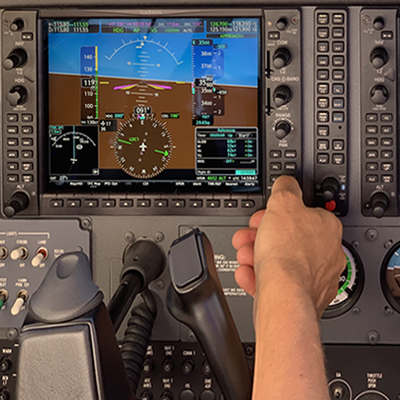

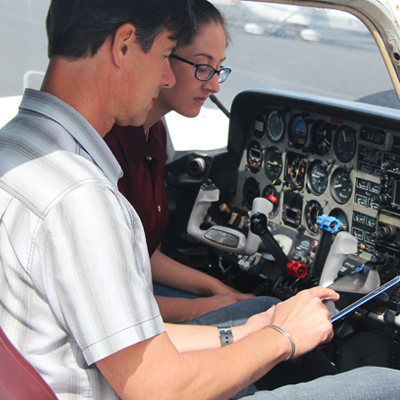

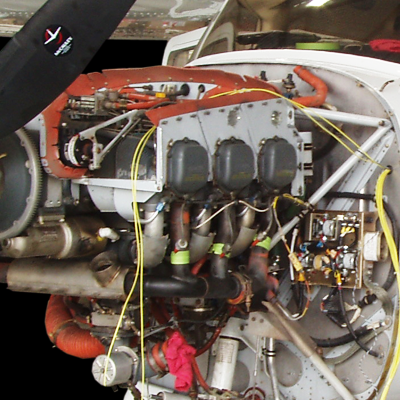


Your Success Begins Here
COMPANION APP FOR iPhone OR iPad
- You have the option of using the free KING Companion App with your course
- It allows you to download your lessons so that they can be taken even when offline
- It's the perfect solution when you are traveling or when connected to a cellular data service with a limited data plan
- The Companion App lets you
- Download your lessons while connected to the Internet
- Take your lessons off-line and
- Once you reconnect, all your progress will be automatically synced with the KING servers, and available the next time you access your course online
- To get the App, go to the Apple App Store on your device and search for "King Schools Companion"
- Once it is installed, start the App and logon with the same username and password you use to access your course
KING STUDY METHOD
- Following the KING Study Method will ensure you don't just pass - but that you score very high on your exam
- You don't need to purchase any other test prep
- It is all here and proven by hundreds of thousands of successful customers
- 97% pass their exams on the first try and we give away a ton of "Ace" hats for perfect scores
- With the KING Study Method you aren't just memorizing answers to pass your test
- You will understand the concepts and terminology that will make you a better and safer pilot
- The KING Study Method works in three steps that King Schools calls "VIP Learning"
- Video Instruction
- Interactive Questions
- Practice and Recall
Complete all KING Labs/Lessons
- Each lesson consists of a 5–10 minute teaching video that simplifies and clarifies what you need to know
- Each lesson is followed by FAA-style questions
- Study the detailed explanations for any questions you miss, or are not sure of
- Mark questions that give you difficulty or you feel you should review later
- Your course will automatically keep track of all questions you have ever missed for later review
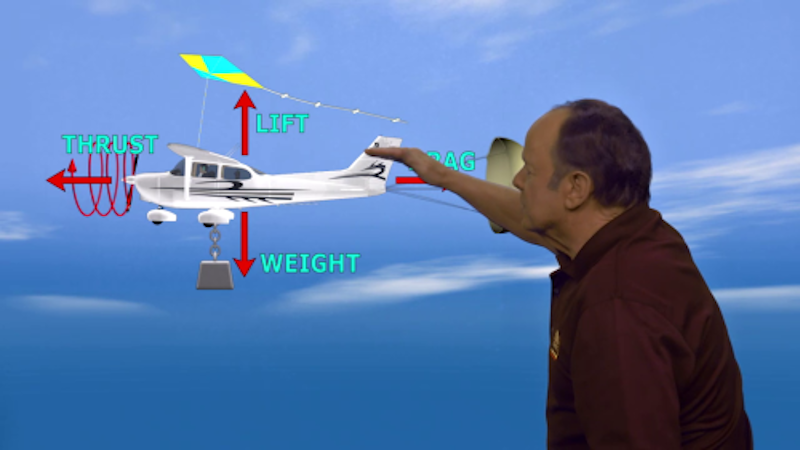
5–10 minute video lessons
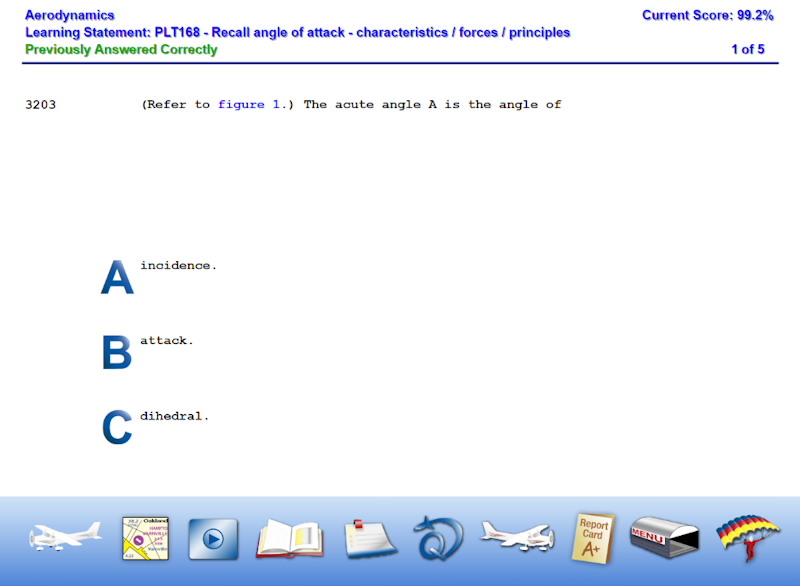
FAA-style questions
Focus on Question Review
- Take all "Unanswered Questions"
- This will present new ways of asking the same questions you answered with your lessons
- Answer all "Marked Questions"
- Read each explanation and if you don't understand it
- Watch the associated video.
- When confident, unmark the question
- Re-take all "Questions Ever Missed" to reinforce the correct answers—even if you last answered it correctly.
- If you miss a question again, read the explanation and watch the associated video
- Review each question category and answer questions from any areas where you don't feel confident
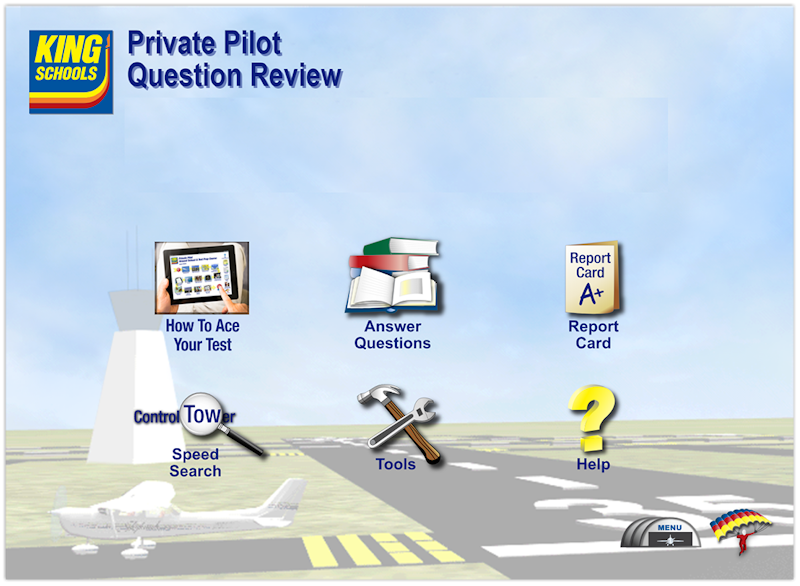
Question Review, your key to success
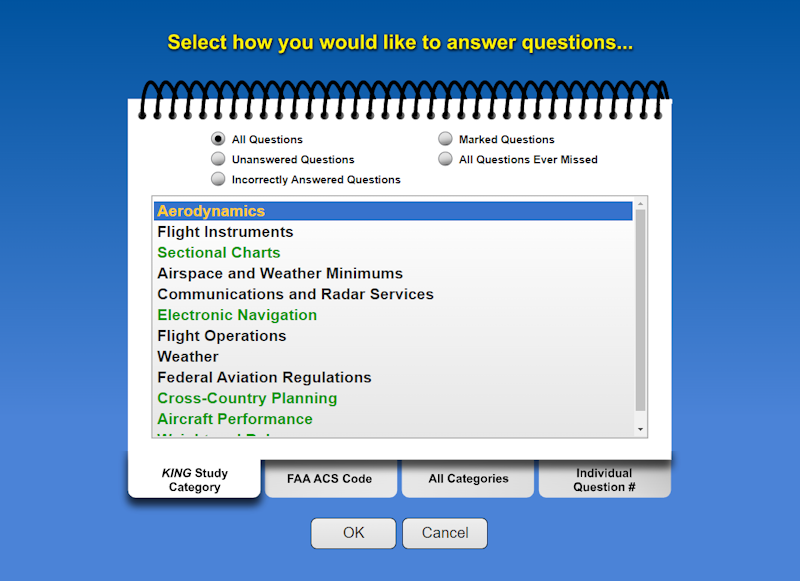
Answer and review questions from King's vast databank
Check Your Readiness with Flashcards and Practice Tests
- Download the free KING Flashcard Companion App and review the questions for each study category until you have given each card a "Thumbs Up"
- This step solidifies the knowledge and correct answers.
- Visit our Flashcard Companion App page for more information
- Take 3 curated exams carefully developed to simulate your FAA test
- Mark each question that gives you difficulty for later review
- Score your test and go through incorrectly answered questions, reading the detailed explanation, and watching the associated video if needed to clarify
- Review any marked questions so you will feel confident the next time
- Retake any exams where you scored less than 80% until you are scoring high
- Your course is now complete, and you can print out your test endorsement and schedule your test. But don't take your test quite yet!
- Now, take random exams repeatedly until you are consistently scoring 80% or better
- If you really want a Top Gun score, after each random exam, follow the procedure above regarding missed and marked questions
- You are now ready!
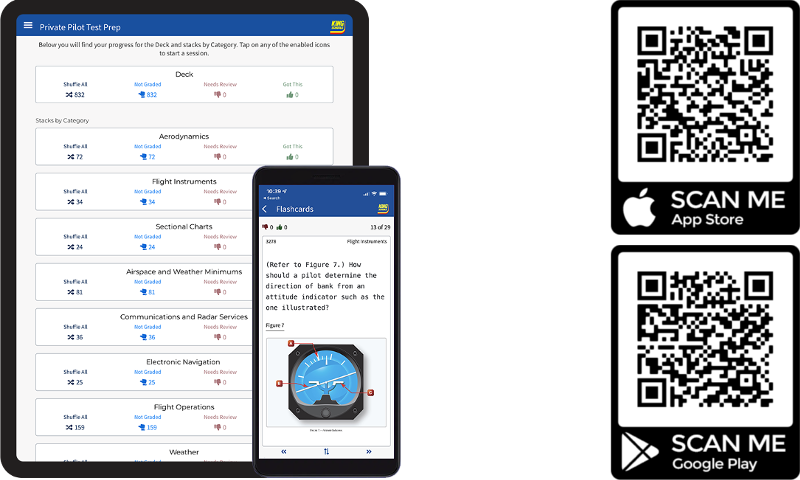
King's Flashcard App provides additional review
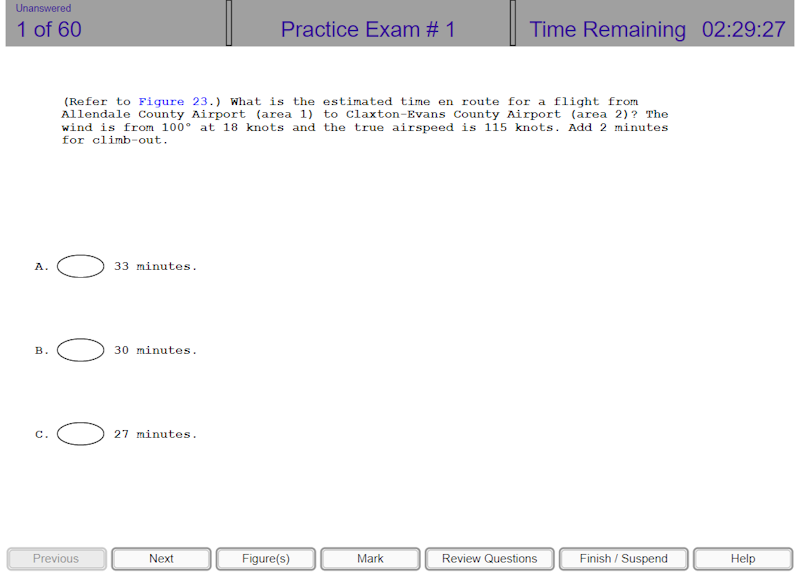
Take simulated practice FAA Exams
NAVIGATING YOUR COURSE
- Main Menu
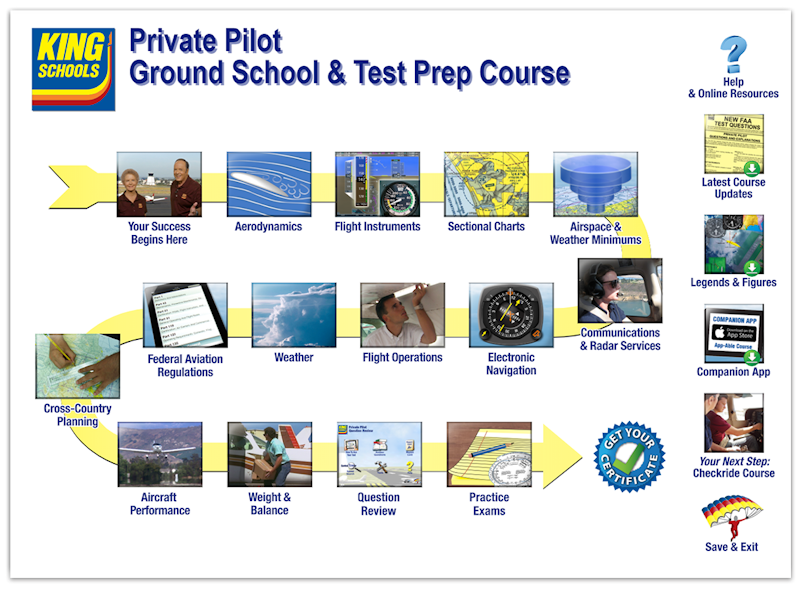
- Shows lesson flow with a building-block progression of learning labs
- Labs are broken down into lesson groups
- Each lesson group contains short, bite-sized video lessons for your convenience
- Lessons can be taken in any order, but we recommend following the suggested sequence
- Each lesson consists of a short video followed by FAA-style questions on that topic
- Each lab shows a completion date when all of its lessons are completed
- Important Main Menu Icons
- Help & Online resources
- Takes you to resources you may want to use including our Companion App for the iPad
- The Companion App lets you review lessons and questions off line on your iPad, and then updates your progress in the course as soon as you reconnect
- Takes you to resources you may want to use including our Companion App for the iPad
- Latest Course Updates
- This icon will be present anytime we have discovered new FAA questions that are not yet included in your course
- If you see this icon, make sure you review the updates before you take your FAA Knowledge Test
- This icon will be present anytime we have discovered new FAA questions that are not yet included in your course
- Legends & Figures
- Lets you reference any FAA legend or figure referred to in the questions
- KING Companion App for the iPad or iPhone
- Provides information on how to install and get the most out of the free KING Companion App
- Save & Exit
- Saves your progress and exits back to your "My Courses" list
- Allows you to return to where you left off next time you open the course
- Help & Online resources
- Using Question Pages
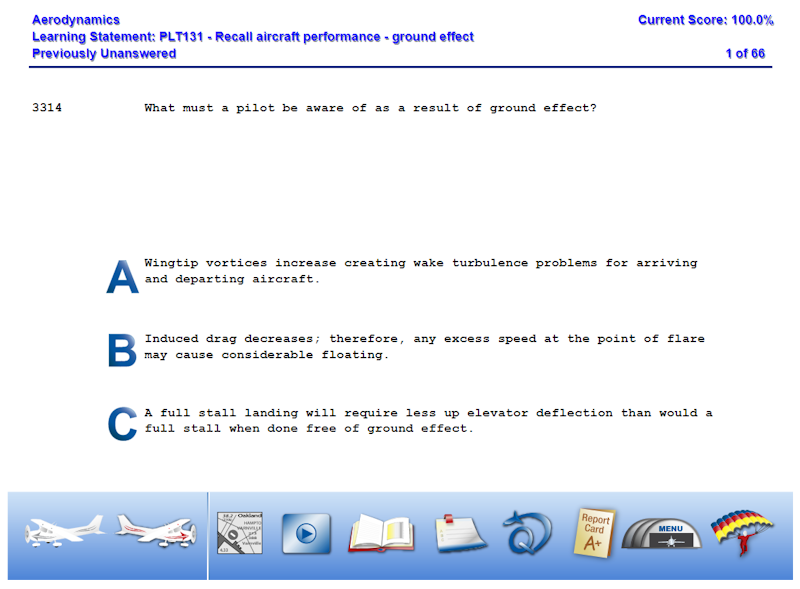
- As you answer each question you will immediately learn if you selected the correct answer
- If the question references an FAA figure there will be a link in the question stem to the figure
- If the figure is too small it can be enlarged by placing your cursor over the image, holding the "Ctrl" key and using the wheel on your mouse to zoom
- You can also zoom in and out by holding the "Ctrl" key while pressing the "+" and "-" keys
- Icons at the bottom of the page help you navigate the questions and provide information
- Hovering your cursor over the icon gives you an explanation of what that icon does
- The "book" icon will give you a complete explanation of the question, including why the correct answer is correct and why the incorrect answers are incorrect
- The "Q" icon will reset the question if you got it wrong, allowing you to retake the question
- The report card icon lets you review your progress to date
FAA QUESTIONS IN THIS COURSE
- The FAA used to make their question databases publicly available
- They stopped doing so in 2008
- Now, they only make a handful of sample questions available to the public
- The sample questions are not official questions from the secret FAA database, but they are good examples that are included in your course
- The FAA regularly changes regulations and the knowledge required to pass your test
- They then update the official question databases to reflect the changes
- King Schools keeps up with each of those changes and constantly updates our lessons and questions to reflect the changes, but nobody has access to the exact questions in the official FAA testing databases
- Your KING question database is composed of the following:
- The last officially released database from the FAA
- Updated with all regulatory and knowledge changes by King Schools subject matter experts
- All sample questions that the FAA makes public
- Questions written by King Schools subject matter experts in the FAA style for all new regulations and knowledge changes
- These questions will not exactly match what you see on your test but they will be close, based on our years of working with the FAA—and they will prepare you for your test
- Customer feedback after taking their tests
- We write new questions based on feedback from our customers. We solicit your feedback if you see questions on your test that we did not cover in the course
- The last officially released database from the FAA
- The FAA frequently changes the numbers used in calculations and other specifics in questions, but not the underlying knowledge, so it is important to learn the knowledge behind the FAA questions, but not to attempt to memorize the questions. In fact, in 2016 the FAA went through their entire database and changed every single test question and answer in order to eliminate test question memorization.
- Not every question in the KING Question Review Test Prep database is assigned to a lesson
- You should take all the questions in the Question Review Test Prep section to see how the FAA might ask questions about a topic
- This is covered in the lesson "How to Ace Your Test"